

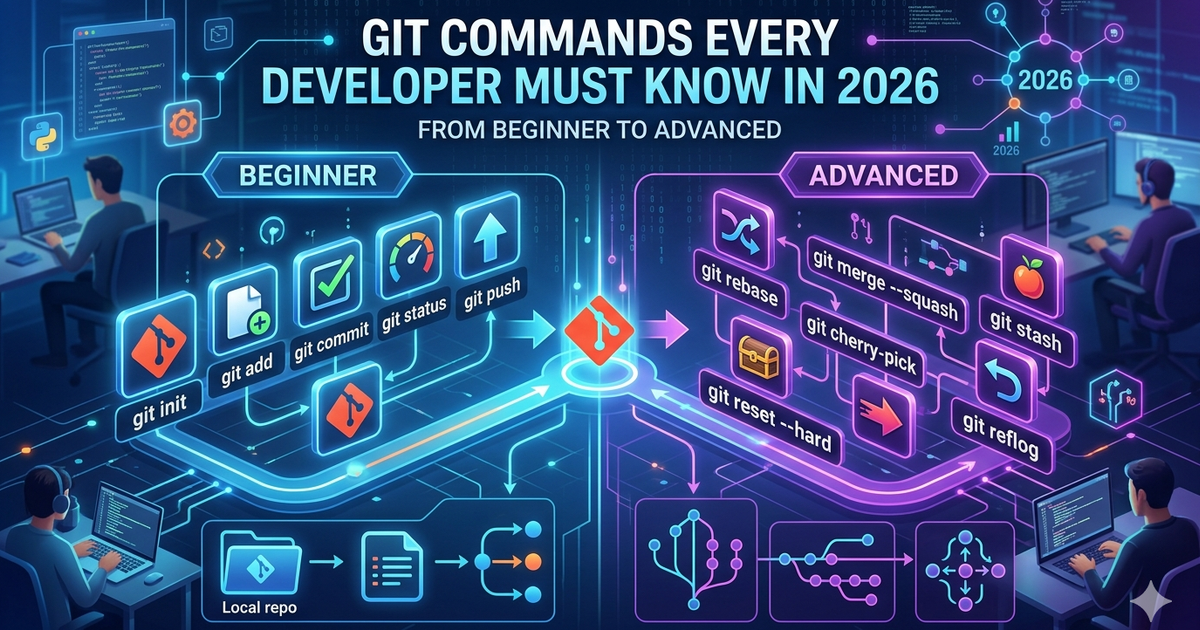
Git is the one tool every developer uses daily — yet most only know 5 commands. This guide covers everything from git init to advanced rebasing, so you can stop Googling the same commands every week.
No fluff. Just commands, examples, and when to use each.
---
Git Basics — The Commands You Use Every Day
Setting Up Git
# Set your identity (do this once)
git config --global user.name "Your Name"
git config --global user.email "you@example.com"

# Check your config
git config --list

# Initialize a new repo
git init

# Clone an existing repo
git clone https://github.com/user/repo.git

# Clone into a specific folder
git clone https://github.com/user/repo.git my-folder
The Basic Workflow
# Check what changed
git status

# See exact changes line by line
git diff

# Stage a specific file
git add filename.js

# Stage everything
git add .

# Commit with a message
git commit -m "feat: add login screen"

# Stage and commit in one step (tracked files only)
git commit -am "fix: correct typo in header"

# Push to remote
git push origin main

# Pull latest changes
git pull origin main---
Branching — The Core of Git Workflow
# List all branches
git branch

# Create a new branch
git branch feature/login

# Switch to a branch
git checkout feature/login

# Create AND switch in one command (modern way)
git switch -c feature/login

# Push branch to remote
git push origin feature/login

# Delete a local branch
git branch -d feature/login

# Delete a remote branch
git push origin --delete feature/login

# Rename current branch
git branch -m new-name---
Merging vs Rebasing
Merging
Merging combines two branches and creates a merge commit. Safe, non-destructive:
# Switch to main, then merge your feature branch
git checkout main
git merge feature/login

# Merge with a commit message always (no fast-forward)
git merge --no-ff feature/login
Rebasing
Rebasing rewrites history to make your commits appear on top of the target branch. Cleaner history:
# Rebase your feature branch onto main
git checkout feature/login
git rebase main

# Interactive rebase — squash, reorder, edit last 3 commits
git rebase -i HEAD~3---
Undoing Mistakes
This is where Git saves you. Know these cold:
Undo Before Committing
# Discard changes in a file (back to last commit)
git checkout -- filename.js

# Modern way
git restore filename.js

# Unstage a file (keep changes, just remove from staging)
git restore --staged filename.js
Undo After Committing
# Undo last commit but keep changes staged
git reset --soft HEAD~1

# Undo last commit and unstage changes (keep files)
git reset --mixed HEAD~1

# Undo last commit and DESTROY all changes (danger!)
git reset --hard HEAD~1

# Safely undo a commit by creating a new reverse commit
git revert HEAD

# Revert a specific commit
git revert abc1234---
Stashing — Save Work Without Committing
# Stash your current changes
git stash

# Stash with a description
git stash push -m "half-done login form"

# List all stashes
git stash list

# Apply the most recent stash
git stash pop

# Apply a specific stash (keep it in the list)
git stash apply stash@{2}

# Delete a specific stash
git stash drop stash@{0}

# Clear all stashes
git stash clear---
Viewing History
# Full commit log
git log

# Compact one-line log
git log --oneline

# Visual branch graph
git log --oneline --graph --all

# See changes introduced by each commit
git log -p

# Search commits by message
git log --grep="login"

# See who changed each line in a file
git blame filename.js

# See changes to a specific file
git log --follow filename.js
---
Cherry-Pick — Copy a Specific Commit
Cherry-pick lets you apply a single commit from one branch to another:
# Apply a specific commit to your current branch
git cherry-pick abc1234

# Cherry-pick without auto-committing
git cherry-pick --no-commit abc1234

# Cherry-pick a range of commits
git cherry-pick abc1234^..def5678---
Remote Operations
# List remotes
git remote -v

# Add a remote
git remote add origin https://github.com/user/repo.git

# Change remote URL
git remote set-url origin https://github.com/user/new-repo.git

# Fetch changes without merging
git fetch origin

# Pull = fetch + merge
git pull origin main

# Pull with rebase instead of merge
git pull --rebase origin main

# Force push (use with caution!)
git push --force-with-lease origin feature/login---
Tags — Marking Releases
# Create a lightweight tag
git tag v1.0.0

# Create an annotated tag (recommended)
git tag -a v1.0.0 -m "First stable release"

# List all tags
git tag

# Push tags to remote
git push origin --tags

# Delete a tag locally
git tag -d v1.0.0

# Delete a tag remotely
git push origin --delete v1.0.0
---
Useful Shortcuts and Aliases
# Set up aliases to save time
git config --global alias.st status
git config --global alias.co checkout
git config --global alias.br branch
git config --global alias.lg "log --oneline --graph --all"

# Now you can use:
git st
git co main
git lg
---
.gitignore — What to Exclude
# .gitignore example
node_modules/
.env
.env.local
dist/
build/
*.log
.DS_Store
.idea/
.vscode/

# Ignore all .txt files except one
*.txt
!important.txt---
Team Workflow — Git Flow
main — production-ready code only, never commit here directly
develop — integration branch, features merge here first
feature/xxx — one branch per feature, branch from develop
hotfix/xxx — urgent fixes, branch from main directly
release/xxx — final testing before merging to main
---
Common Mistakes and Fixes
Committed to main by mistake? → git reset --soft HEAD~1, then create a branch
Pushed sensitive data? → Revoke keys immediately, use git filter-branch to clean history
Merge conflict panic? → git status shows conflicted files, fix manually, then git add + git commit
Wrong commit message? → git commit --amend (only if not pushed yet)
Lost commits after reset? → git reflog shows everything, you can recover
---
git reflog — Your Safety Net
Every action Git takes is logged in the reflog. Even after a hard reset:
# See everything Git has done
git reflog

# Recover a lost commit
git checkout abc1234

# Or restore your branch to a previous state
git reset --hard HEAD@{3}---
Quick Reference Cheat Sheet
git init — start a new repo
git clone — copy a remote repo
git add . — stage all changes
git commit -m "" — save a snapshot
git push — upload to remote
git pull — download and merge from remote
git branch — list or create branches
git switch -c — create and switch branch
git merge — combine branches
git rebase — rewrite history cleanly
git stash — temporarily shelve changes
git log --oneline --graph — visual history
git reflog — recover anything
---
Resources
Official Git Docs — git-scm.com/doc
Interactive Git Practice — learngitbranching.js.org
GitHub Flow Guide — guides.github.com/introduction/flow

Indie Product Engineer focused on toolcraft — building free tools that just work.