

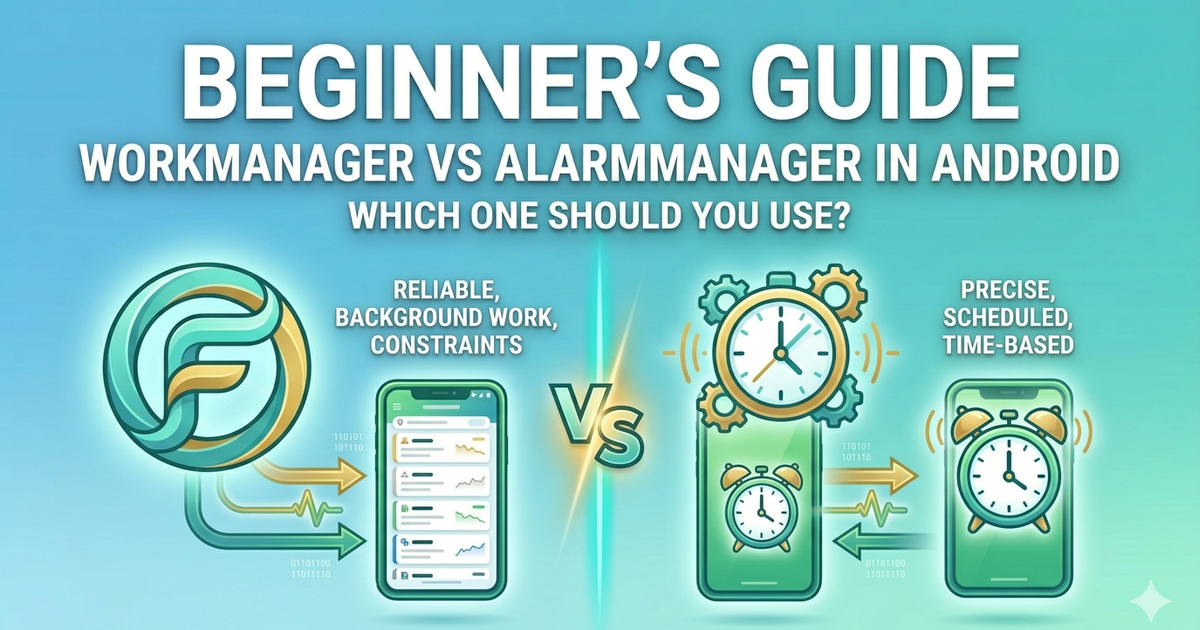
If you've ever needed to run a task in the background — like syncing data, sending a notification, or downloading a file — you've probably run into two options: WorkManager and AlarmManager. Both schedule tasks, but they work very differently. Picking the wrong one can drain your user's battery, break on newer Android versions, or simply not work at all.
This guide explains both clearly so you can make the right choice every time.
---
The Simple Answer First
That's the rule. Now let's understand why.
---
What is WorkManager?
WorkManager is a Jetpack library that handles background work reliably. It is the modern, recommended way to schedule tasks that need to run even if the app is closed or the device restarts.
WorkManager handles all the complexity for you:
Works on all Android versions (API 14+)
Survives app restarts and device reboots
Respects battery optimization automatically
Supports chaining tasks one after another
Retries failed tasks automatically
---
What is AlarmManager?
AlarmManager is an older Android system service that lets you schedule tasks at a precise time. Think of it like setting a phone alarm — it fires at exactly the time you set, even if the device is in low-power mode.
But there are serious trade-offs:
Does not survive device reboots unless you handle it manually
Android 12+ requires special permission for exact alarms
Can be killed by battery optimization if not handled carefully
More complex to implement correctly
---
Side by Side Comparison
Guaranteed execution — WorkManager ✅ / AlarmManager ⚠️ (can be killed)
Survives reboot — WorkManager ✅ / AlarmManager ❌ (needs extra setup)
Battery friendly — WorkManager ✅ / AlarmManager ❌
Exact timing — WorkManager ❌ / AlarmManager ✅
Recommended by Google — WorkManager ✅ / AlarmManager only for alarms
Complexity — WorkManager Low / AlarmManager High
---
When to Use WorkManager
Use WorkManager for any task that:
Needs to run in the background even after the app closes
Does not need to run at an exact millisecond
Should retry if it fails
Needs to run only when conditions are met (like Wi-Fi connected)
Real examples: syncing data to a server, compressing images, uploading files, sending analytics, refreshing content.
Basic WorkManager Example
First add the dependency:
implementation("androidx.work:work-runtime-ktx:2.9.0")Create a Worker class:
import androidx.work.Worker
import androidx.work.WorkerParameters
import android.content.Context

class SyncWorker(context: Context, params: WorkerParameters) : Worker(context, params) {

    override fun doWork(): Result {
        // your background task here
        syncDataToServer()
        return Result.success()
    }

    private fun syncDataToServer() {
        // your sync logic
    }
}
Schedule it from your Activity or ViewModel:
import androidx.work.OneTimeWorkRequestBuilder
import androidx.work.WorkManager

val syncRequest = OneTimeWorkRequestBuilder<SyncWorker>().build()
WorkManager.getInstance(context).enqueue(syncRequest)---
When to Use AlarmManager
Use AlarmManager only when:
You need a task to fire at a precise exact time
You are building an alarm clock app
You are building a calendar reminder
Timing accuracy matters more than battery efficiency
Basic AlarmManager Example
import android.app.AlarmManager
import android.app.PendingIntent
import android.content.Context
import android.content.Intent

fun scheduleExactAlarm(context: Context, triggerTimeMillis: Long) {
    val alarmManager = context.getSystemService(Context.ALARM_SERVICE) as AlarmManager

    val intent = Intent(context, AlarmReceiver::class.java)
    val pendingIntent = PendingIntent.getBroadcast(
        context, 0, intent,
        PendingIntent.FLAG_UPDATE_CURRENT or PendingIntent.FLAG_IMMUTABLE
    )

    alarmManager.setExactAndAllowWhileIdle(
        AlarmManager.RTC_WAKEUP,
        triggerTimeMillis,
        pendingIntent
    )
}---
Common Mistakes Beginners Make
1. Using AlarmManager for syncing data
Very common mistake. If you just want to sync every few hours, WorkManager is the right tool. AlarmManager is overkill and battery-unfriendly for this.
2. Not handling reboot with AlarmManager
3. Setting repeat interval below 15 minutes with WorkManager
WorkManager enforces a minimum repeat interval of 15 minutes for periodic work. If you need something more frequent, reconsider your architecture.
---
Quick Decision Guide
Need to sync data in background? → WorkManager
Need to upload a file when Wi-Fi connects? → WorkManager
Need to build an alarm clock? → AlarmManager
Need a calendar notification at exact time? → AlarmManager
Not sure? → WorkManager
---
Summary
WorkManager — reliable, battery friendly, survives reboots, recommended for most tasks
AlarmManager — precise timing, complex setup, use only for exact-time tasks like alarms
Android 12+ requires permission for exact alarms — always check before scheduling
When in doubt, WorkManager is almost always the right choice
Background task scheduling in Android has improved a lot over the years. WorkManager takes care of the hard parts so you can focus on what your app actually does.

Indie Product Engineer focused on toolcraft — building free tools that just work.